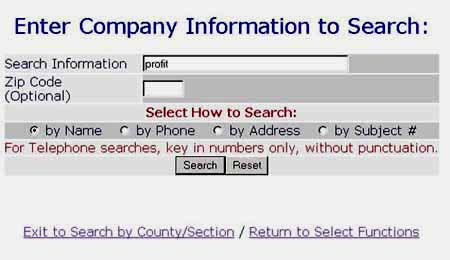
If the "Exit to Legal Credit Report" Option is taken, the User is Given the Option to do a Subject Search.
|
Next Page / Last Page / Return to Menu
If the "Exit to Legal Credit Report" Option is taken, the User is Given the Option to do a Subject Search.
|